


OBS Studio for Windows
Open source, no-cost software for screen recording and live broadcasting.
Install it on Windows, Mac or Linux and be on air within a few minutes.
The OBS Project is made possible thanks to generous contributions from our sponsors and backers. Learn more about how you can become a sponsor.








Features
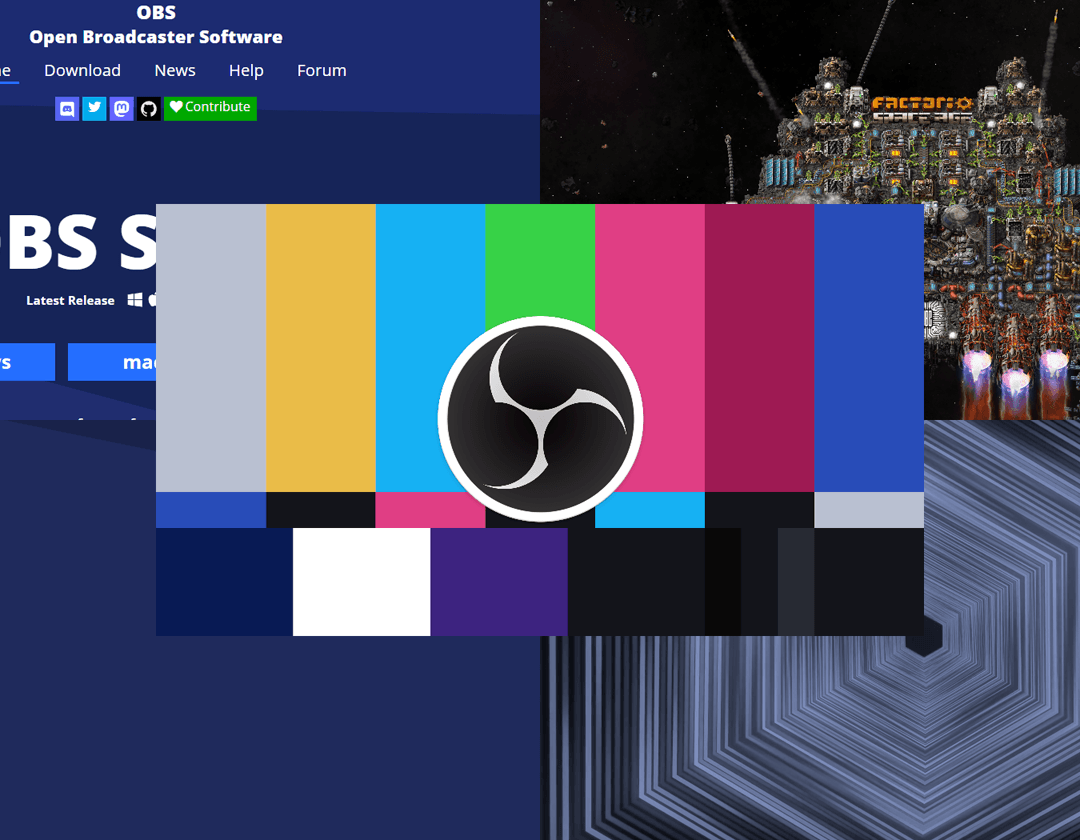
Capture and mix video and audio in real time with very low overhead. Assemble scenes from as many sources as you need: windows, images, text, browser pages, webcams, capture cards and more.
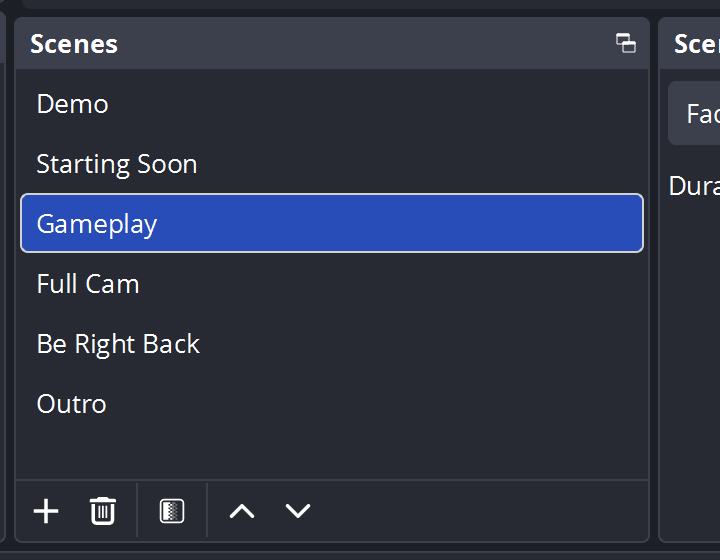
Build as many scenes as your show requires and move between them smoothly using transitions you define.
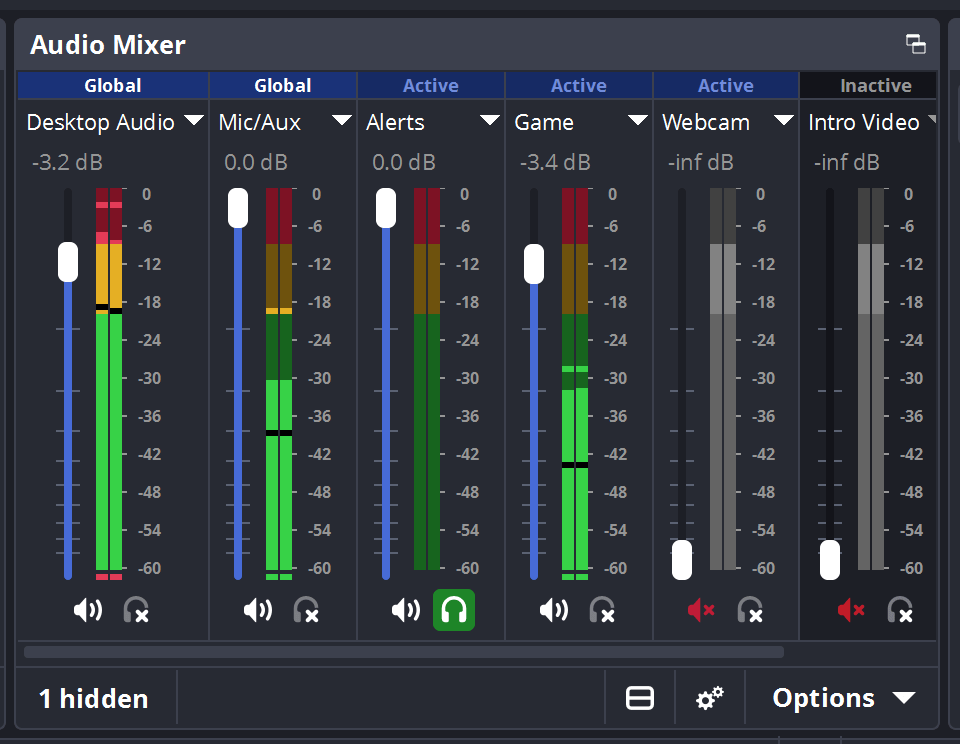
A clear audio mixer gives every source its own filter chain — noise gate, noise suppression, gain — and VST plugin support hands you the rest of the control.
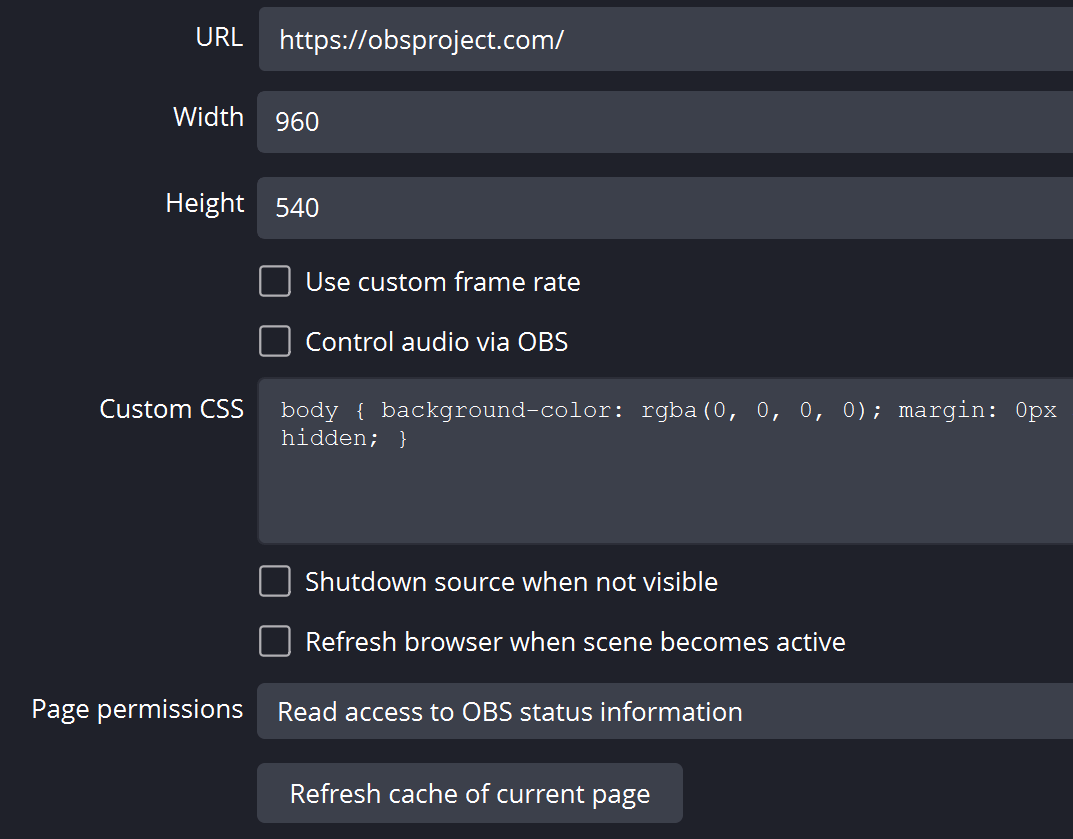
Configuration stays approachable without losing depth. Add sources, clone the ones you already have and edit their properties in a couple of clicks.
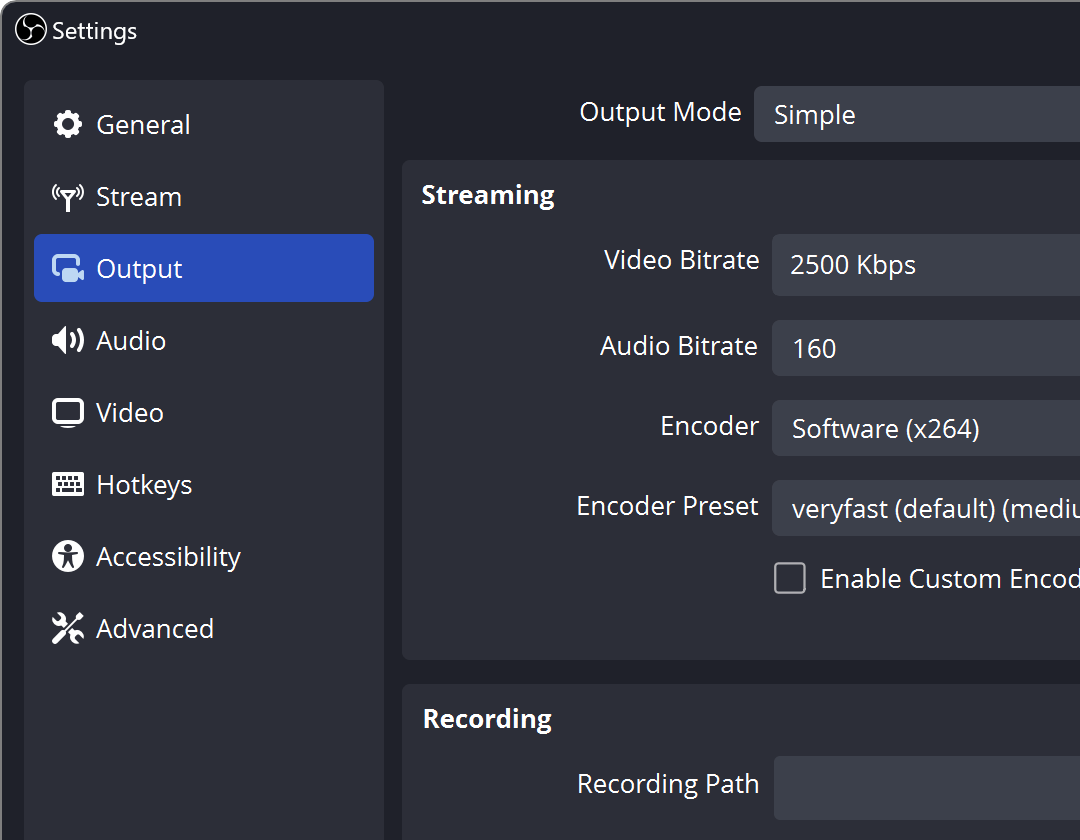
A tidy Settings panel collects the many options you may need to fine-tune any part of a broadcast or a local recording.
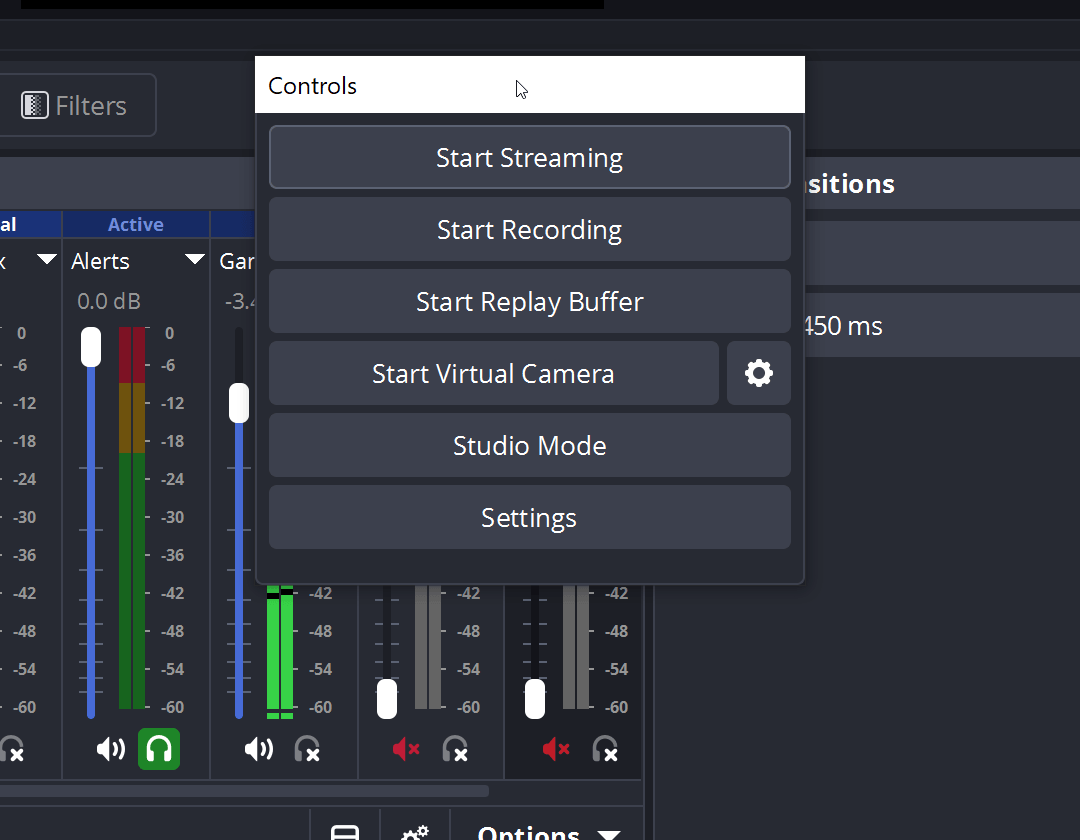
The interface is built from movable docks, so the layout follows your workflow — and any dock can be detached into a separate window.
OBS connects to the streaming services you already use, and plenty more besides.
Create Professional Productions
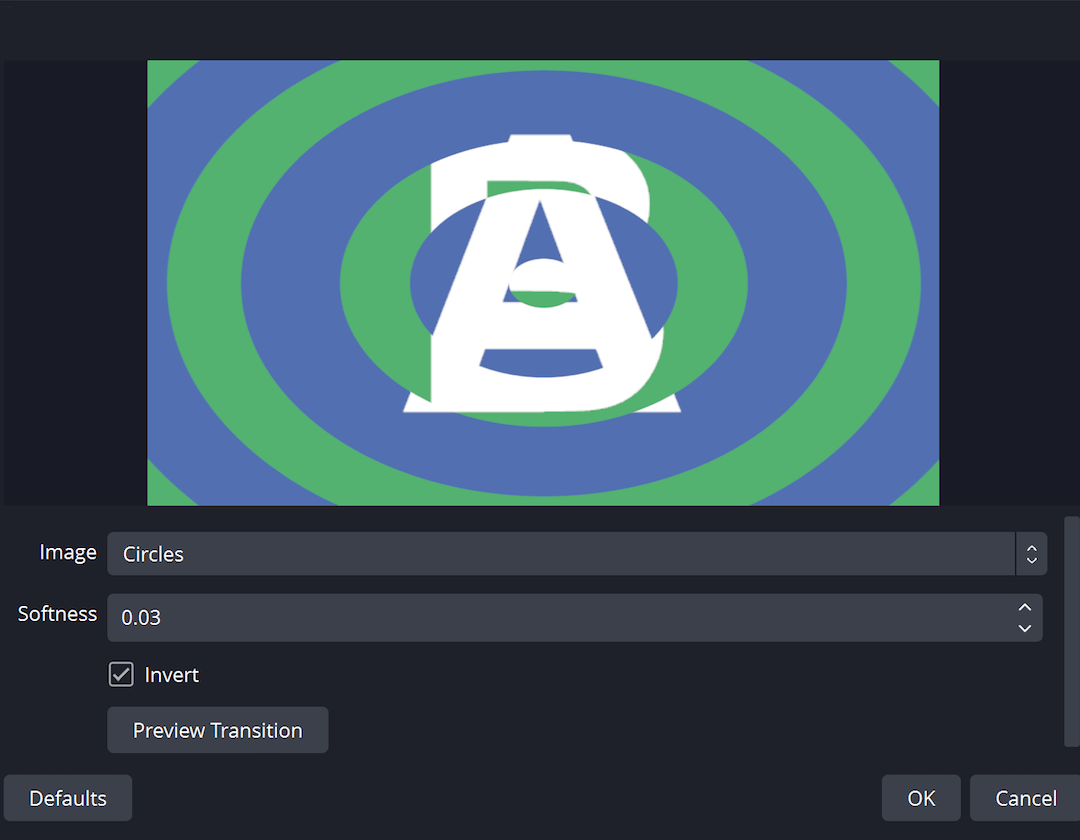
Pick from a set of adjustable transitions when moving between scenes, or bring in your own stinger video clips.
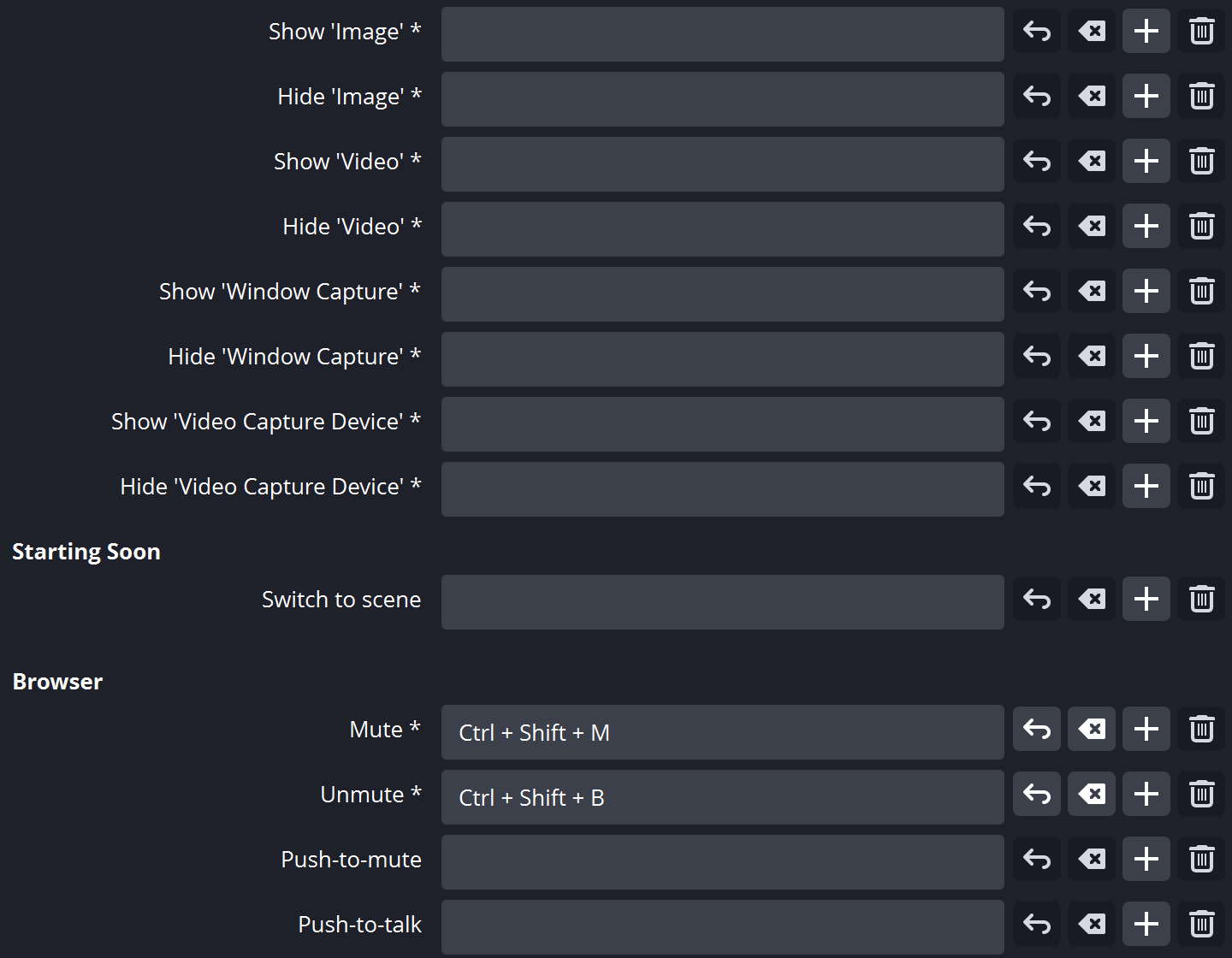
Almost every action can be bound to a hotkey: changing scenes, starting or stopping a stream or recording, muting a source, push to talk and much more.
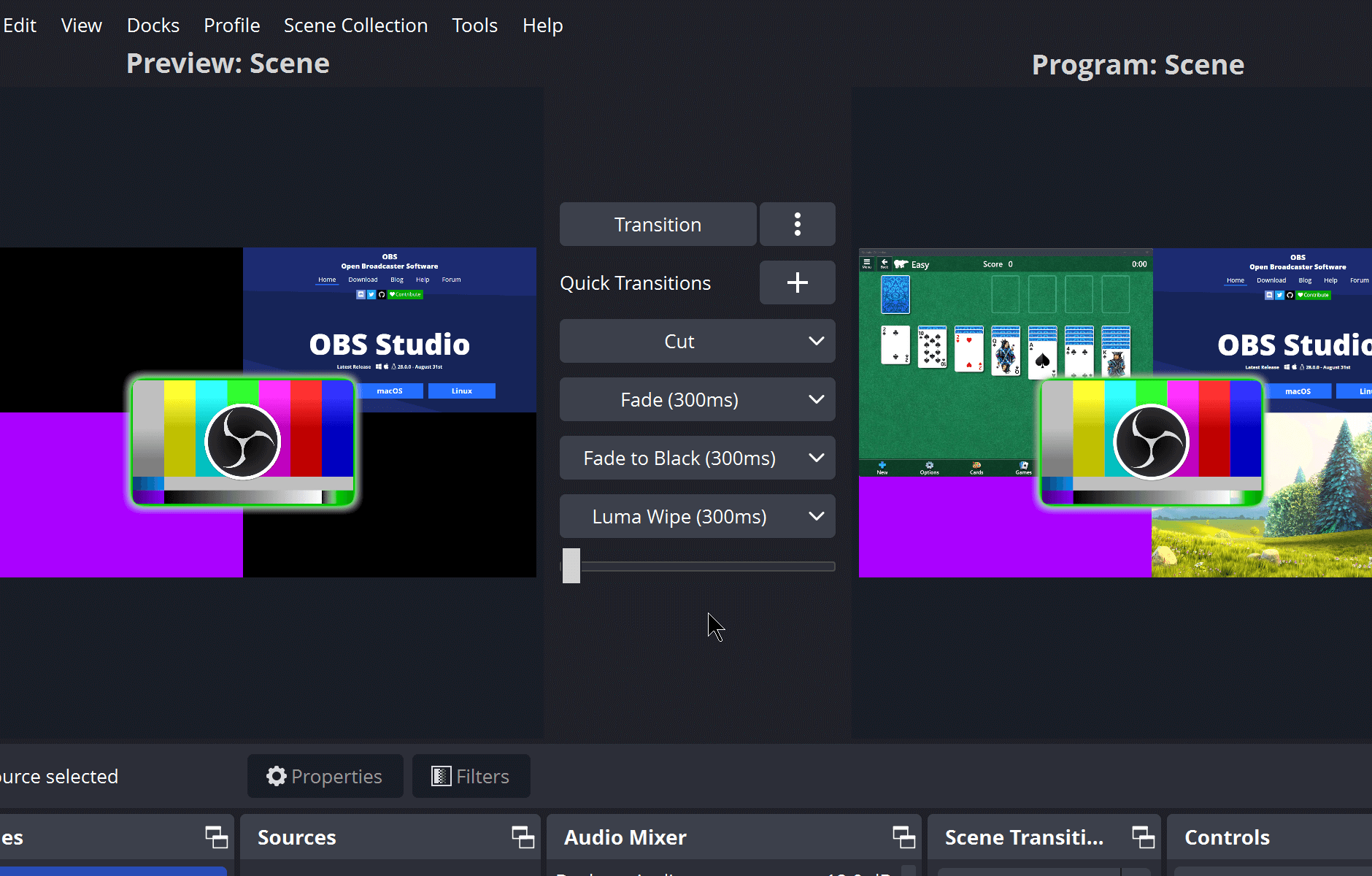
Studio Mode lets you preview your scenes and sources before pushing them live. Adjust your scenes and sources or create new ones and ensure they're perfect before your viewers ever see them.
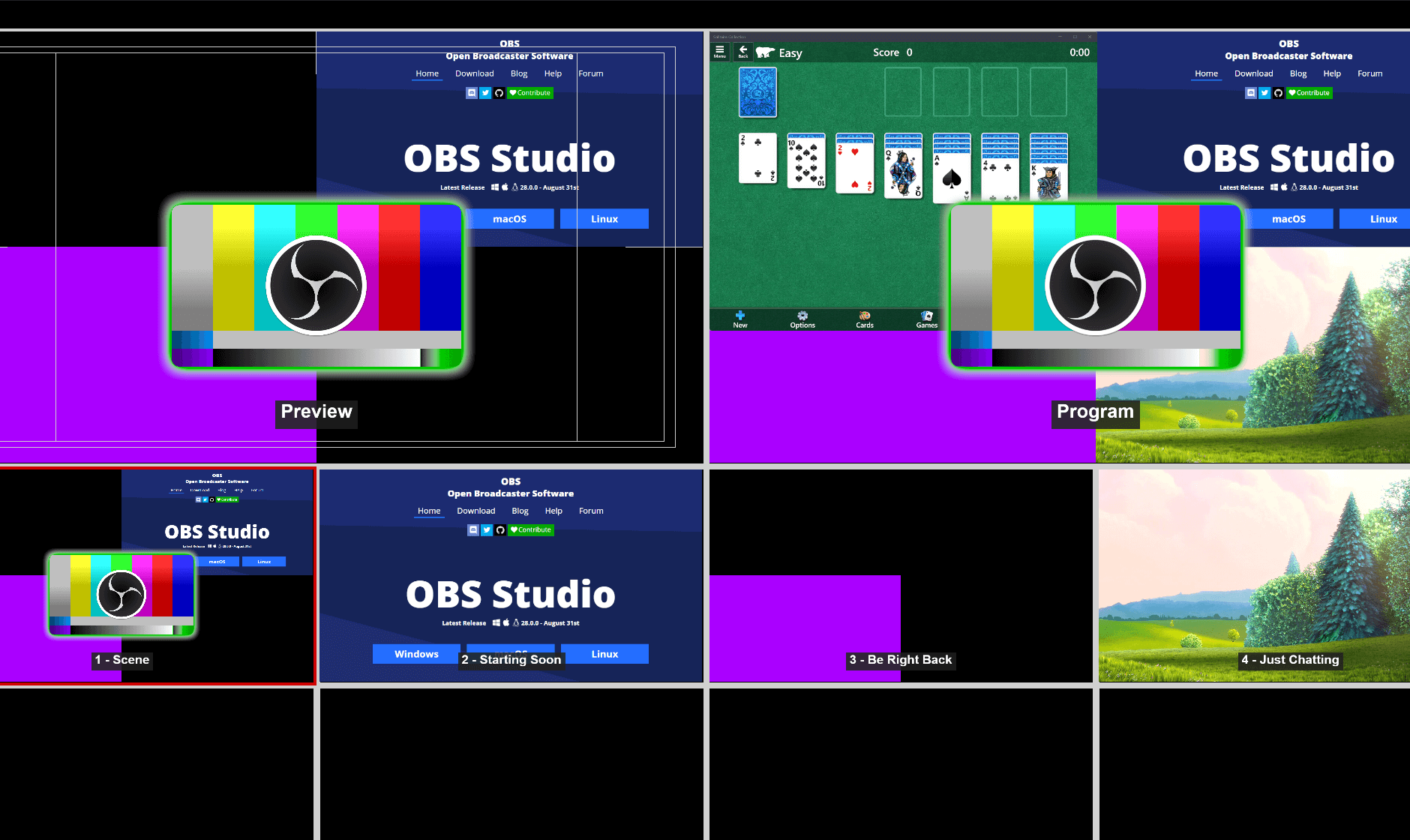
Multiview gives you an overview of the whole production. Watch 8 scenes at once and cue or switch to any of them with a single or double click.
Collaborative Creativity
A capable API ships with OBS Studio, so plugins and scripts can extend the program with exactly the behaviour your setup calls for.
Use native plugins when you need maximum performance, or drive existing sources from Lua and Python scripts.
Team up with developers across the streaming community to build the features your production needs.
Browse or submit your own in the Resources section